
Finding the best free document scanner app has become increasingly important. People rely on smartphones and computers to manage documents digitally.
These apps are more efficient than a traditional scanner and without any cost to utilize them.
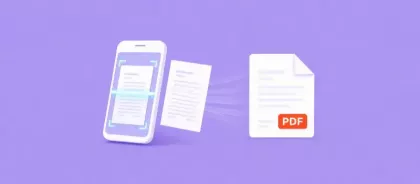
Furthermore, a modern program can turn your phone or computer into a powerful tool that captures high-quality scans, converts them into a PDF, and organizes them in seconds.
In this guide, we’ll explore some of the most popular and trusted apps available today, for Android, iPhone, and desktop users.
Why are document scanner apps so popular in 2026?
From simple daily activities to our work and study environments, technology drives our daily life. And for this reason, people often need to scan and send documents quickly and are always looking for more efficient ways to do so.
A mobile scanning app can:
- Convert papers into PDFs instantly
- Scan multiple pages into one file
- Improve image clarity and readability
- Organize documents digitally
- Share files easily with colleagues or clients
Best Document Scanner Apps in 2026
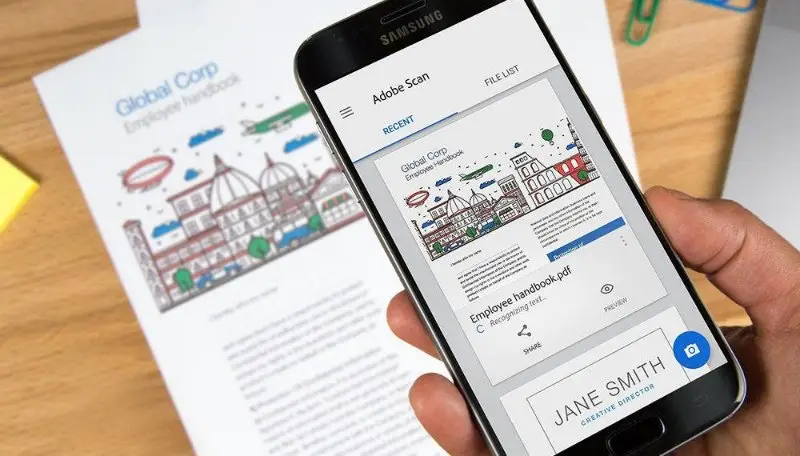
Adobe Scan
A famous tool today, that offers powerful scanning capabilities combined with advanced PDF features.
With it you will be able to capture documents with a phone camera. It automatically detects edges and enhances text clarity. It also includes OCR (optical character recognition), which means scanned files can become searchable and editable.
It integrates with Adobe’s cloud services, so users can easily store and manage records online.
Another advantage is that it is a mobile document scanner app available for free, making it accessible to students, professionals, and small businesses.
Microsoft Lens
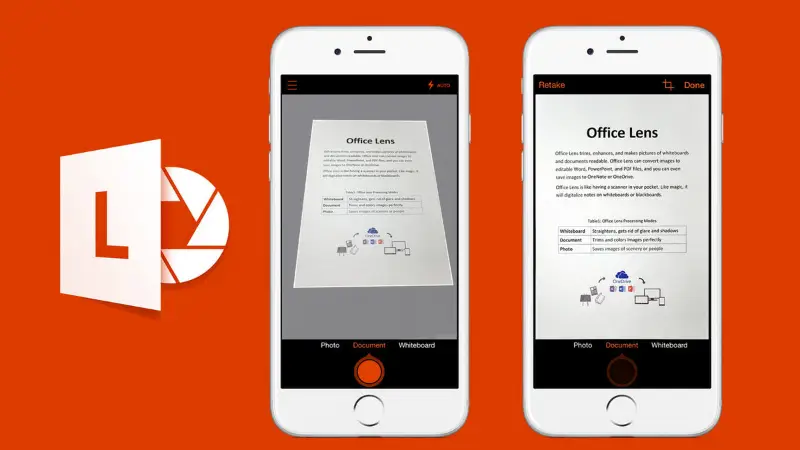
This app is especially popular among students and professionals who use Microsoft tools such as Word, PowerPoint, and OneNote.
It allows users to scan documents, whiteboards, business cards, and notes quickly. One feature that makes it stand out is its ability to convert scans into multiple formats, including PDFs.
Because it integrates seamlessly with Microsoft’s ecosystem, many users consider it one of the best free document scanner apps for Android available today.
CamScanner
This option is one of the most downloaded scanning apps globally and listed among the best document scanner app 2026 recommendations.
This program allows you to scan documents, adjust lighting automatically, crop images, and convert scans into high-quality PDFs. It supports multi-page scanning, making it easy to combine sheets into a single file.
It also works across multiple devices and is suitable for those who are looking for a free document scanner app for Android and iOS.
It has a free version but some advanced features may require a subscription.
Genius Scan
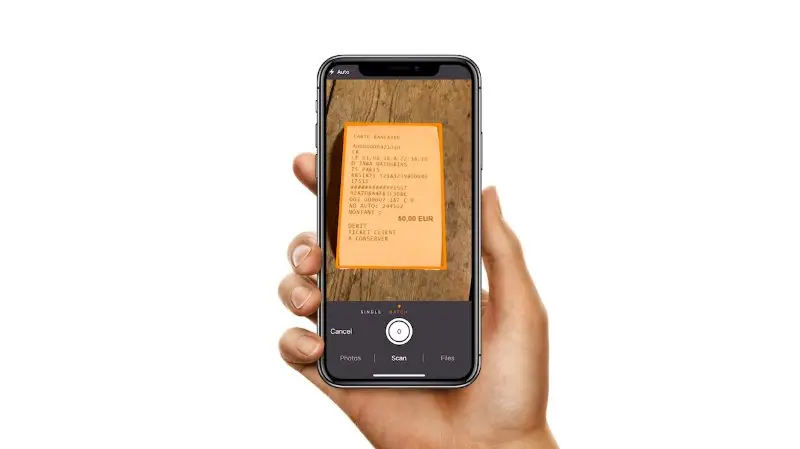
This tool can be considered one of the best free document scanner apps as well; as it has clean interface and fast scanning process.
It focuses on making document scanning quick and efficient. It allows individuals to scan multi-page documents, organize files into folders, and export PDFs easily. The application also includes automatic perspective correction and image enhancement to improve scan quality.
It is especially popular among freelancers and students who want a simple software without complicated features.
SwiftScan
Another strong contender to consider; as it focuses on high-quality scans and smart automation features.
It has:
- Automatic edge detection
- Multi-page scanning
- Cloud integration
- PDF editing tools
- High-resolution scanning
Many users looking for the best free document scanner app for Android or iOS devices appreciate the applications fast performance and modern design.
Document Scanner Apps for PC
Some individuals prefer using their computers and not their mobile for scanning docs. For those, finding a document scanner app for PC with a free download option is important.
Desktop tools often provide more features like:
- Advanced editing
- File organization systems
- Integration with office software
- Bulk scanning support
Some PDF editor solutions also include scanning options, making it easier to manage documents on a larger screen. For businesses that regularly process large amounts of paperwork, these desktop solutions can be very helpful.
What makes the best free document scanner app?
A reliable program always depends on the user needs, so it is crucial to look at key characteristics of the app before deciding which one to use. But some of the most important features asked for are:
1. Scan Quality
A good application should produce clear, high-resolution scans that look professional.
2. Multi-Page Scanning
Many users need to scan reports, contracts, or forms with multiple sheets. The best document scanner app 2026 tools make it easy to combine several pages into one file.
3. OCR Technology
Optical character recognition allows scanned PDF documents to become searchable and editable, which is extremely useful for work and study.
4. Cloud Integration
Apps that connect to cloud services make it easier to store and access files from different devices.
5. Ease of Use
Programs should have powerful features that are still simple for beginners to utilize. Many people prefer a free document scanner that can be installed quickly and used without complicated setup.
Conclusion
Finding the best free document scanner app in 2026, is very much possible if we consider the multiple options provided in this article.
Apps such as Adobe, Microsoft Lens, CamScanner, Genius Scan, and SwiftScan can provide solid solutions.
Depending on your needs, picking the right tool will make your daily life and doc management much easier.
Whether you are looking for a free iPhone document scanner app, for an Android program, or even options for a PC, there are many powerful applications available today.