
Knowing how to scan a document on Android can be considered a very important skill for those who have to deal daily in their work-life with a lot of papers.
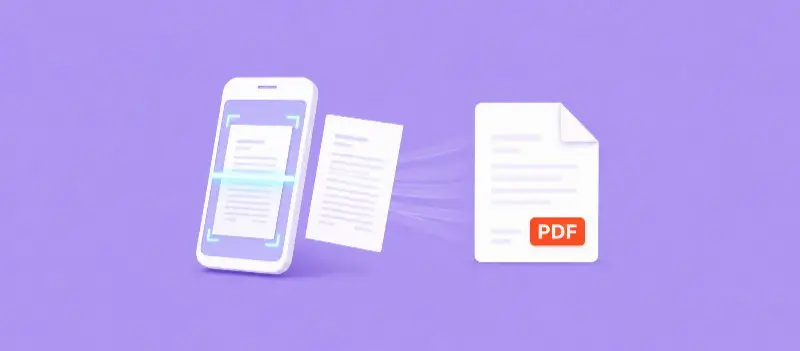
These days a traditional scanner is not needed. A smartphone can do much more than just message, call or take pictures; with it you can capture documents and turn them into digital docs.
With the right tools, you can also easily create professional-looking files, store them, make a PDF link, or edit PDFs instantly.
How to Scan a Document on Android and Turn It Into a PDF
The process is usually quick and straightforward. Most modern smartphones include built-in options or programs that allow users to perform scanning documents directly from their device.
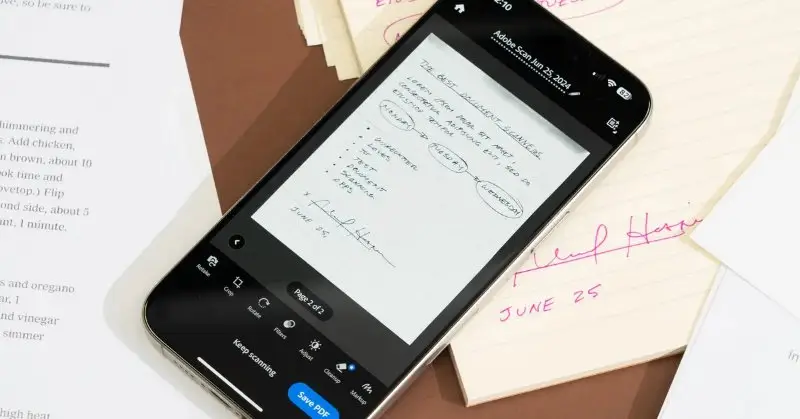
In many cases, these tools have:
- An option that automatically detects paper edges and captures the image.
- A way to capture and convert the image into a PDF format automatically.
Another popular choice is using an Android app that can scan documents to PDF files with additional features such as:
- Edge detection
- Visual enhancement
- Multi-page scanning
These apps are designed to make tasks easier and more accurate. Once you open the program, you simply place your sheet on a flat surface, position your phone above it, and take a photo of it.
Usually, you can also adjust the image so it looks like a clean scanned document rather than a photo.
Many users also wonder how to scan a document on an Android phone when they need to digitize multi-page files such as contracts or forms.
Most scanning apps allow you to capture several pages in sequence before saving the final file. This means you can quickly build a complete document without needing to combine PDFs into one later.
After scanning all pages, the app combines them into one organized PDF.
Samsung Android Scan Document to PDF
For people using Samsung devices, there are also built-in options available.
Many users search for Samsung scan document to PDF features because these phones often include scanning tools directly in the camera or notes applications.
These features allow you to capture paperwork quickly and save it as a PDF without installing additional software.
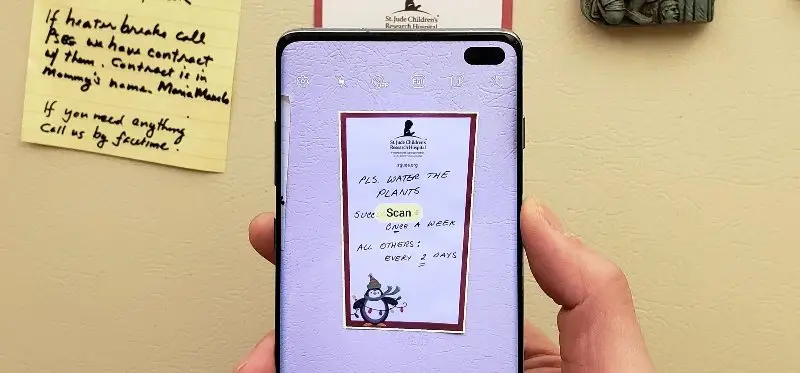
Once you complete scanning a document to PDF with Samsung Android device, the tool will allow you to review and adjust the scanned file before saving it.
Conclusion
Your smartphone can be a portable solution that works almost anywhere. Understanding how to scan a document on an Android phone can be more convenient than using a traditional scanner; plus it can make file management faster.
By using the right android app that can scan document to PDF you will be able to access digital records more efficiently.
After reading the simple steps provided in this article, you will be able to handle papers, convert them into PDFs, and keep everything stored on your device.