
Converting PNGs to PDFs online honestly streamlines stuff for users who don’t want to mess with software installs or deal with ridiculous processes.
Now, you can just upload, click a few buttons, and you’re set—PDF done. Batch processing a bunch of images? No sweat, most tools handle that, merging everything neatly into one file.
Here, I’ll break down how to turn PNG into PDF and the top platforms for this—step-by-step, so you don’t get lost. Plus, a quick dive into why this method actually makes sense for daily workflows.
PDF Candy
PDF Candy operates as a multifunctional we service tailored for file management. Its toolkit enables tasks such as file conversion, splitting and merging, as well as deploying security measures like password protection and watermarking.
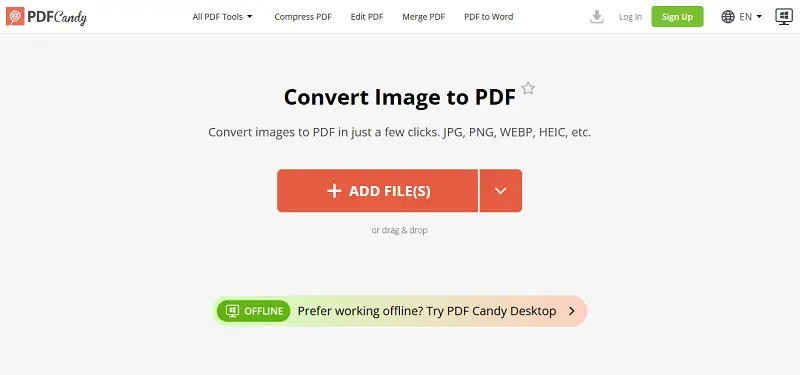
How to save a PNG as PDF with PDF Candy
- Navigate to the free online PNG to PDF converter.
- Upload your footage by either clicking "+Add file(s)", dragging your items directly into the browser window, or importing from cloud storage (Google Drive/Dropbox).
- Configure parameters: select the desired page size (Original, A4, US Letter) and define the margin width (Big, Small, No).
- When opting for A4 or US Letter, specify the orientation (Portrait or Landscape) as per your layout requirements.
- Once you've adjusted the settings, press "Convert file(s)" to start the process. When it's finished, hit "Download File" to retrieve your PDF.
Pros:
- The interface is straightforward—users can easily navigate without a steep learning curve.
- Fully cross-platform: works on desktops, laptops, tablets, and smartphones.
- Uploaded documents auto-delete after two hours, which improves data privacy.
- File-sharing is streamlined with direct URL links or QR codes.
- Maintains image quality regardless of the number of pictures merged into a single file.
- Supports batch processing with up to 100 photos per session for optimized efficiency.
Ideal for:
- Marketing Strategists – Assemble campaign visuals into a unified PDF for review.
- Paralegals – Standardize scanned agreements into portable files.
- Field Researchers – Organize site photos into consolidated records.
PDF24 Tools
PDF24 Tools is a platform offering a wide array of utilities for working with digital notes. It provides online instruments for converting PDFs to diverse extensions, revising files by adding text, visuals, and annotations, compressing, and protecting with watermarks, or passwords.
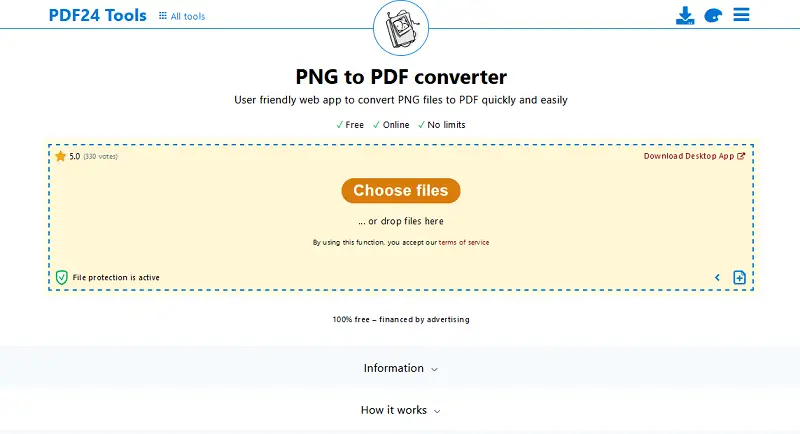
How to change a PNG to a PDF with PDF24 Tools
- Visit the website with your browser.
- Click the "Choose File" button to import the PNG you want to turn.
- Adjust settings such as page size, margins, and bookmarks.
- Press "Convert" to initiate the process. Tap the download link to save the PDF to your device.
Pros:
- Has a wide range of other PDF-related functionalities.
- The images to PDF tool is available for free.
Cons:
- Can be slow at times, especially when processing large archives online.
Ideal for:
- Technical Communicators – Insert screenshots into manuals as ready-to-share PDFs.
- Library Curators – Preserve digitized collections in accessible formats.
- Academics – Attach figures or graphs as supplemental papers.
SmallPDF
SmallPDF enables individuals to merge multiple dossiers into a single document or split large ones into smaller. The platform offers tools for compressing PDFs online to reduce their size without sacrificing quality, as well as adding encryption for security purposes.
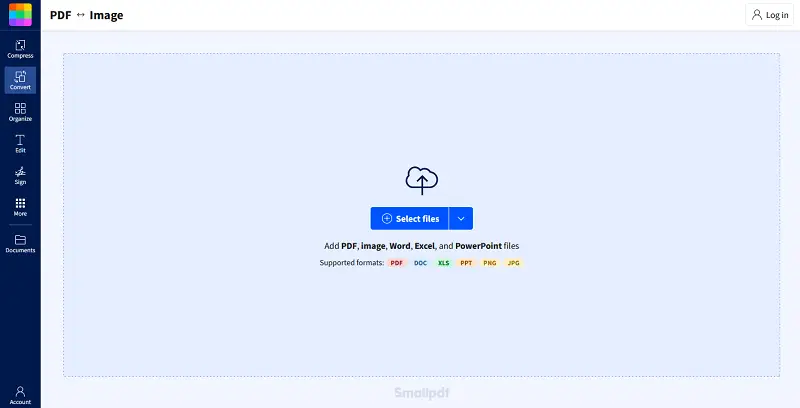
How to merge PNG files to a PDF online with SmallPDF
- Open your browser and go to the website.
- Press the "Choose File" button to add the PNG.
- Customize these settings according to your preferences.
- Click "Convert" to turn PNGs into PDF. Download the resulting paper.
Pros:
- Features a simple and intuitive UI, making it easy to navigate.
- Integrates with popular cloud storage services like Google Drive and Dropbox, and has a Google Chrome extension.
Cons:
- PNG to PDF converter restricts free users to a maximum of 2 alterations per day.
- Costless version gives limited access to the full range of tools and functionalities.
Ideal for:
- Startup Entrepreneurs – Share investor decks enriched with PNG charts.
- Event Coordinators – Compile venue layouts and décor samples into proposals.
- Financial Planners – Insert performance graphs into polished advisory reports.
FreeConvert
FreeConvert functions as a comprehensive, web-based file conversion utility. It accommodates a broad spectrum of formats—documents, images, audio, and video—making it a practical resource for both beginners and gurus managing diverse extensions.
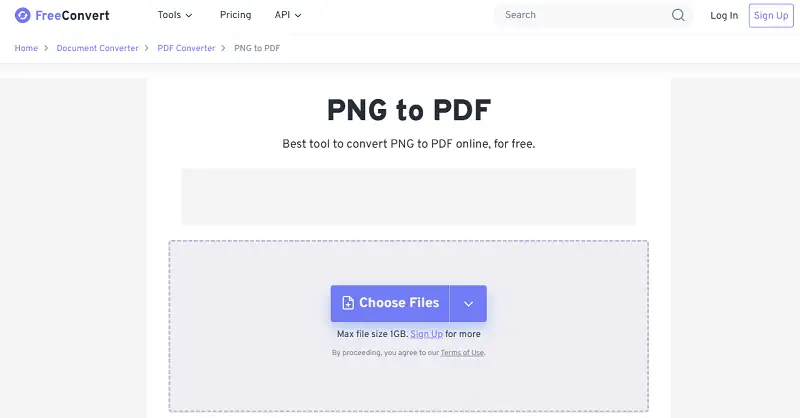
How to change a PNG to a PDF
- Open your web browser and follow to the tool's homepage.
- There you'll see the "Choose Files" button.
- Click it to select the PNG image you want to turn into PDF.
- Optional: Adjust page size or set orientation (portrait/landscape) within the "Options" menu as needed.
- Press "Convert" to begin the operation.
- Once conversion completes, a download link for your PDF will become available.
Pros:
- No registration required for uploads and export, streamlining workflow.
- Free to use, with no mandatory subscription.
Cons:
- Advertising is present throughout the interface, which may impact experience or speed.
Ideal for
- Film Directors – Save storyboard frames as compact PDF sets.
- Musicians – Convert album covers or poster art into print-ready PDFs.
- Novelists – Submit illustrations along with manuscripts in PDF format.
DocFly
DocFly is a web utility for transforming PNG into PDF, offering specialized instruments for precise document management.
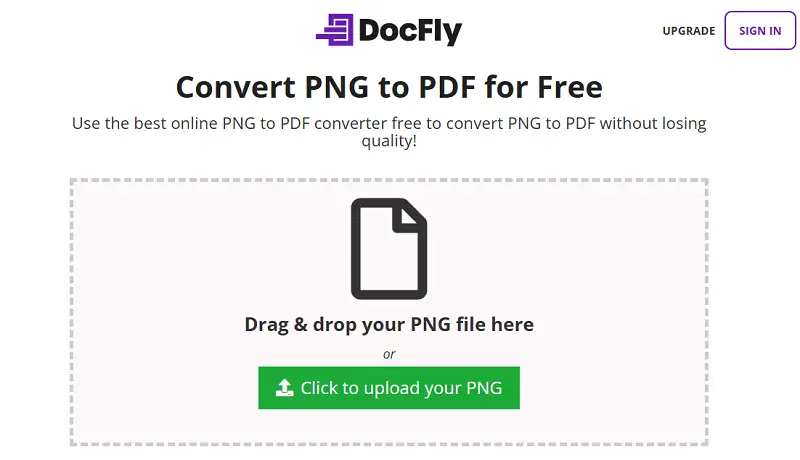
How to combine numerous PNG to PDF
- Launch your browser and enter the link.
- Select the "Click to upload your PNG" button. The maximum allowed size is 100MB.
- The platform will automatically transform picture into a PDF.
- Once the PDF is ready, preview it leveraging the built-in viewer.
Pros:
- Allows modifications to page size, orientation, and margins.
- Users can check the generated PDF before downloading or exporting.
Cons:
- Although transfers are encrypted, sensitive contracts are uploaded to third-party servers.
Ideal for:
- Recruitment Officers – Gather applicant headshots into candidate portfolios.
- Claims Adjusters – Assemble photographic evidence into structured case files.
- Interior Decorators – Convert mood board PNGs into presentation-ready PDFs.
Why convert a PNG to a PDF?
- Compatibility. PDFs are accessible across virtually all operating systems and devices, so users typically encounter no issues opening or sharing them.
- Preservation fidelity. Unlike some formats, PDFs maintain precise colors and fine detail—visual integrity is preserved whether you’re viewing onscreen or sending to print.
- Efficient storage Instead of bundling dozens of large PNGs, you can compress multiple graphics into a single PDF, which generally results in a smaller overall weight. Distribution and archiving become much more streamlined.
- Control. PDFs support password protection, permissions management, and encryption, giving you robust options to prevent access and prevent unauthorized alterations.
- Organization. With bookmarks, internal hyperlinks, and annotation tools, PDFs make it easy to navigate, reference, and structure complex materials.
- Text Recognition. Some PDF tools offer Optical Character Recognition, so you can extract, search, and edit text from image-based documents directly.
FAQ
What resolutions are recommended for conversion?
Aim for high-DPI PNGs. Low-res pics just look pixelated and unprofessional once you roll them into a PDF. To keep details and crispness, stick with higher resolutions wherever possible.
How do color profiles affect the output?
Embedded colors (think sRGB, CMYK—those guys) define how your shades show up on both screens and printed pages. If you want consistency, keep those intact.
Will transparency be preserved?
A decent export process should leave PNG Alpha channels and translucent backgrounds unchanged. There should be no unexpected fill patterns or background colors.
How is page orientation determined?
Each image becomes a PDF page matching its original dimensions. Adjustments may be required for consistent portrait or landscape layout.
Are all PNG formats supported?
Standard 8 or 24-bit PNGs are compatible. High bit-depth or indexed-color photos may need pre-processing for accurate rendering.
Conclusion
Converting PNG files to PDF via online platforms streamlines image and document workflows, removing the need for complex desktop programs.
These web-based solutions maintain fidelity, allow for significant size reduction, and often come with added security protocols.
Plus, because they’re cloud-based, you can initiate conversions on any device with internet access. Quick, efficient, and accessible—it just makes process management smoother across the board.
What else you can do with the new PDF?
Now that you learned how to convert PNG to PDF online, you can further edit the newly created archive.
- If your PNG to PDF transformation involves sensitive images meant for private use, you can secure your draft by adding password protection.
- Should the resulting PDF be too large for sending or sharing purposes, you can compress it immediately to reduce its size.
- If you notice any errors in the page order of your PDF, you can rearrange the pages to correct the sequence.